
Forms
Build custom, standalone forms beyond your resources for surveys, settings, and bespoke workflows.
# $30/mo
gem "avo-forms"
Not every admin job has a database model behind it. A settings screen, an onboarding survey, a one-off button that kicks off an import: these are forms with logic, not records. Forms lets you build them inside your Avo app and shape each one to the job. Stand a single form on its own page, put several forms on one screen, drop them into the sidebar, or mix layouts however the workflow needs. If you can picture the screen, you can build it.
It runs on the same field DSL you already use on resources. Subclass
Avo::Forms::Core::Form, declare your fields, then
write a handle method that runs in the controller
with access to params,
current_user, and
flash. You decide what each submission does.
Group forms into pages that show up in the Avo sidebar, with main pages and
nested sub-pages defined through a navigation
block and no manual route declarations. Scaffold a starting point with
rails generate avo:form and
rails generate avo:page. That is a whole
standalone-form layer you add to your admin instead of building and wiring it
by hand.
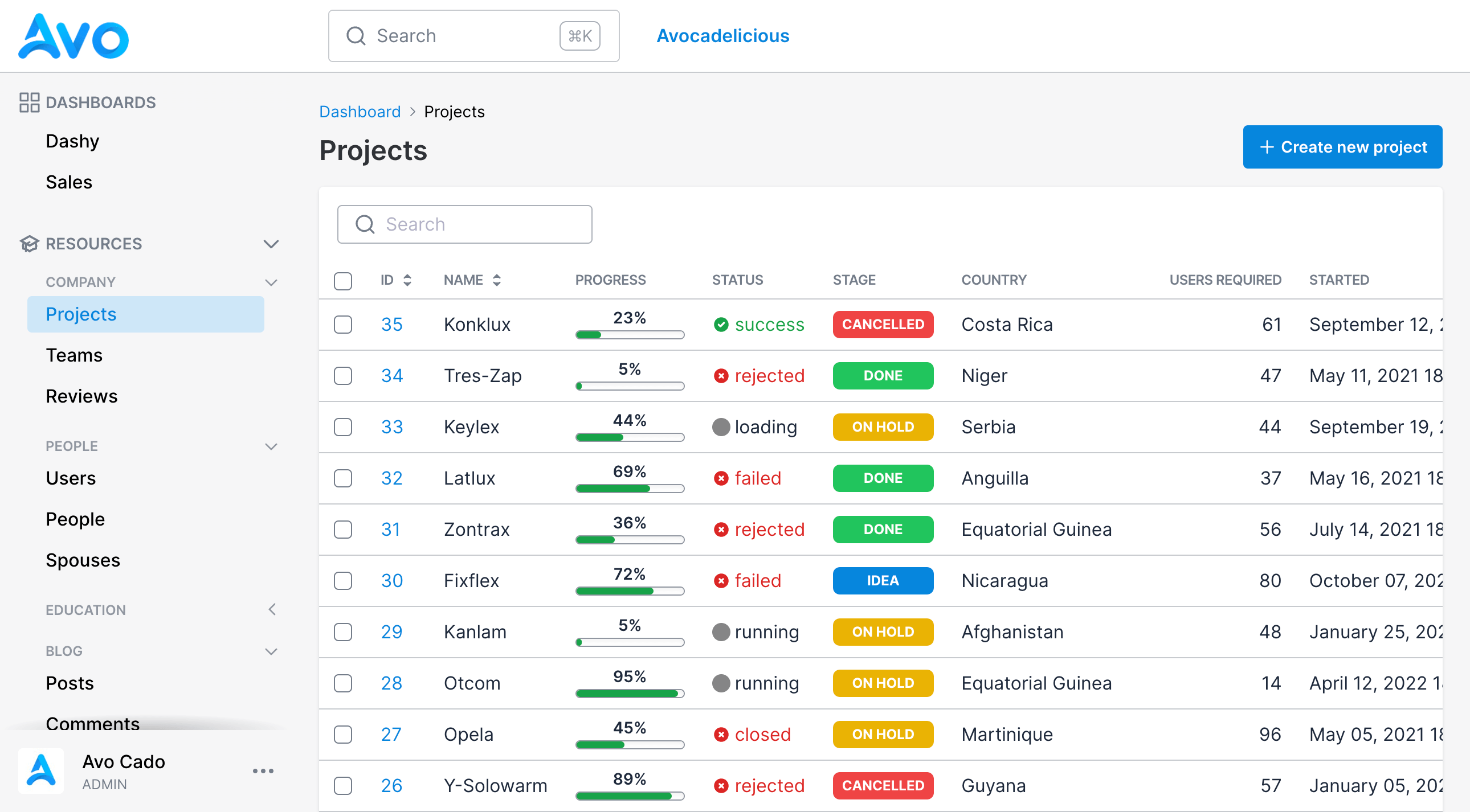
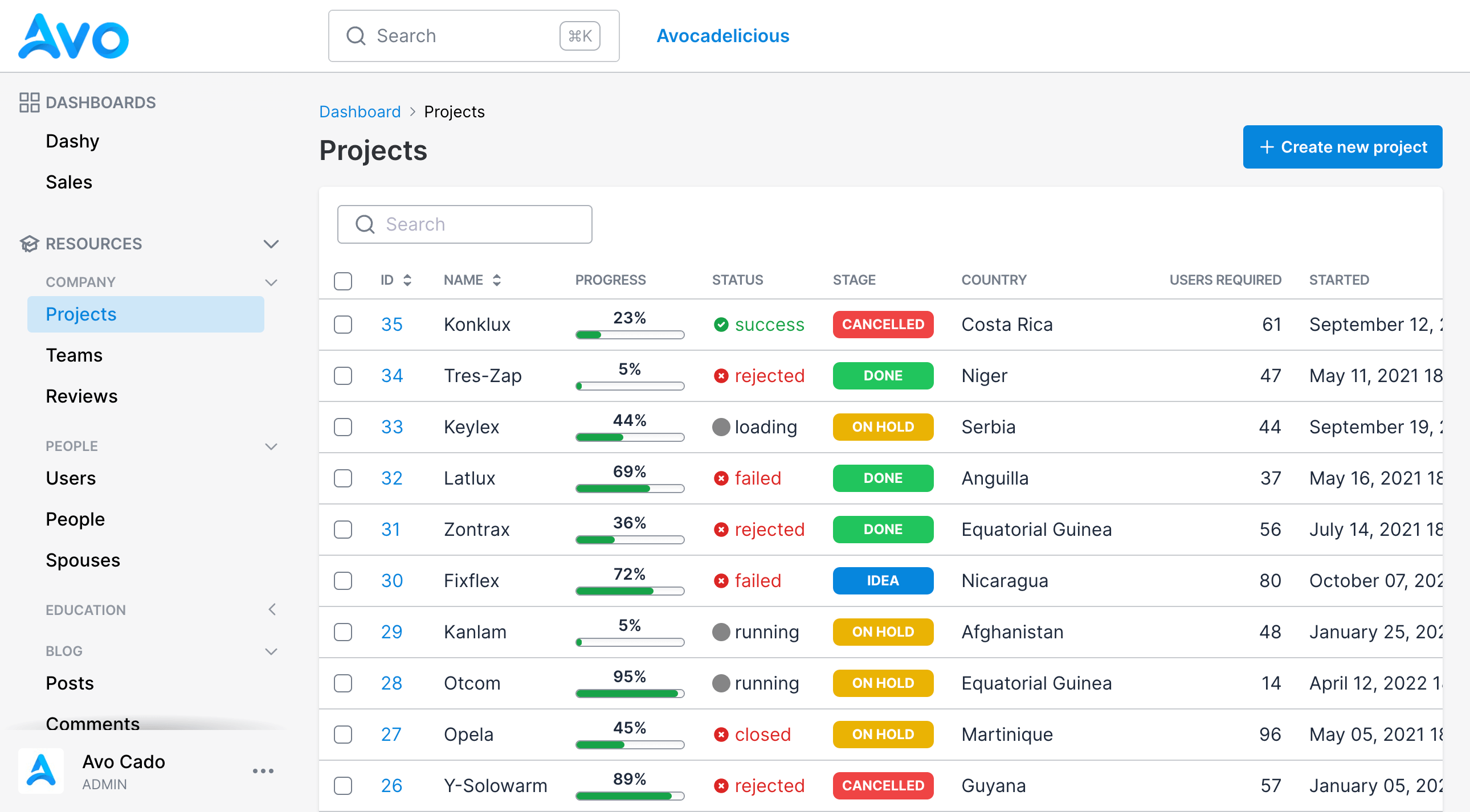
See it in action
What you get
-
Standalone forms with no backing model, subclassed from
Avo::Forms::Core::Form - Your choice of layout: one form on its own page, several forms grouped on one screen, or forms placed in the sidebar
-
The same field DSL as resources,
field :app_name, as: :text, required: true -
A
handlemethod that runs in the controller, withparams,current_user,flash, andcookies -
Fields prefilled from their
default:values, since a form renders as a new view -
Sidebar pages with main pages and nested sub-pages, wired through a
navigationblock -
Generators for both,
rails generate avo:formandrails generate avo:page
Why it pays off
- Lay out a settings screen, a survey, or a multi-form page exactly how the workflow needs, reusing the field DSL your team already knows, instead of hand-rolling forms, controllers, and routes for each one.
-
Dynamic routing and sidebar pages are handled for you, so you write the fields and the
handlelogic, not the plumbing around them. - Every Avo release makes it better: the form layer keeps working as Avo evolves, without you patching it.
- One less internal forms-and-settings tool for your team to build, document, and support.
# included in
# ready to ship?
You ship it this afternoon. We keep it solid for years.